

Is it easy to operate an A2 Laminator?
Jan 12, 2026
Leave a message
Hey there! As a supplier of A2 Laminators, I often get asked if it's easy to operate these machines. Well, let's dive right into it and find out.
First off, let me give you a bit of background. An A2 laminator is a pretty handy piece of equipment, especially if you're dealing with larger documents, posters, or artworks. It's designed to cover your items with a protective plastic layer, making them more durable and resistant to wear and tear.
When it comes to the operation, one of the great things about modern A2 laminators is that they're generally user - friendly. Most of them come with simple controls. You've got a power switch to turn the machine on. Once it's on, you'll need to wait for it to heat up. This is a crucial step because the laminating process relies on heat to bond the plastic film to the document. The heating time can vary depending on the model, but usually, it takes around 3 - 5 minutes.
Now, here's where things get interesting. Loading the laminating pouches is a breeze. You just open up the pouch, place your document inside, making sure it's centered. Then, you feed the pouch into the machine. The laminator has rollers that will pull the pouch through, applying pressure and heat at the same time. And voila, out comes your laminated document!
Another aspect that makes operating an A2 laminator easy is the adjustable settings. Some models allow you to adjust the temperature according to the type of laminating film you're using. Thicker films might require a higher temperature, while thinner ones work well at lower settings. There are also speed settings. If you're laminating a large number of documents, you can set the machine to a faster speed. But if you want a more precise and thorough lamination, you can slow it down.
However, it's not all sunshine and rainbows. There are a few things that might give you a bit of a headache. For example, if you don't center your document properly in the pouch, you might end up with uneven lamination. Air bubbles can also be a problem. Sometimes, when you feed the pouch into the machine, air gets trapped between the document and the film. But don't worry, there are ways to fix this. You can try using a squeegee to push the air bubbles out before feeding the pouch into the machine.
Now, let's talk about the comparison with other laminators. If you've used a Laminator A4 before, you'll notice that the A2 laminator is a bit larger and more powerful. The A4 laminator is great for smaller documents like ID cards, business cards, or small photos. But when you need to laminate something bigger, the A2 is the way to go.
The A3 Laminating Machine and A3 Laminator are in between the A4 and A2 in terms of size. They can handle larger documents than the A4 but not as large as the A2. The operation of these machines is quite similar, but the A2 laminator gives you more flexibility when it comes to the size of the items you can laminate.
Maintenance is also an important part of operating an A2 laminator. You need to keep the rollers clean. Over time, dust and debris can accumulate on the rollers, which can affect the quality of the lamination. You can use a cleaning sheet to clean the rollers. It's a simple process. Just run the cleaning sheet through the machine a few times, and it will pick up all the dirt.
In conclusion, operating an A2 laminator is relatively easy, especially if you follow the instructions carefully. It might take a bit of practice to get the hang of it, but once you do, you'll be laminating like a pro. Whether you're a small business owner looking to protect your important documents, an artist wanting to preserve your artworks, or a teacher laminating classroom materials, an A2 laminator can be a great addition to your toolkit.

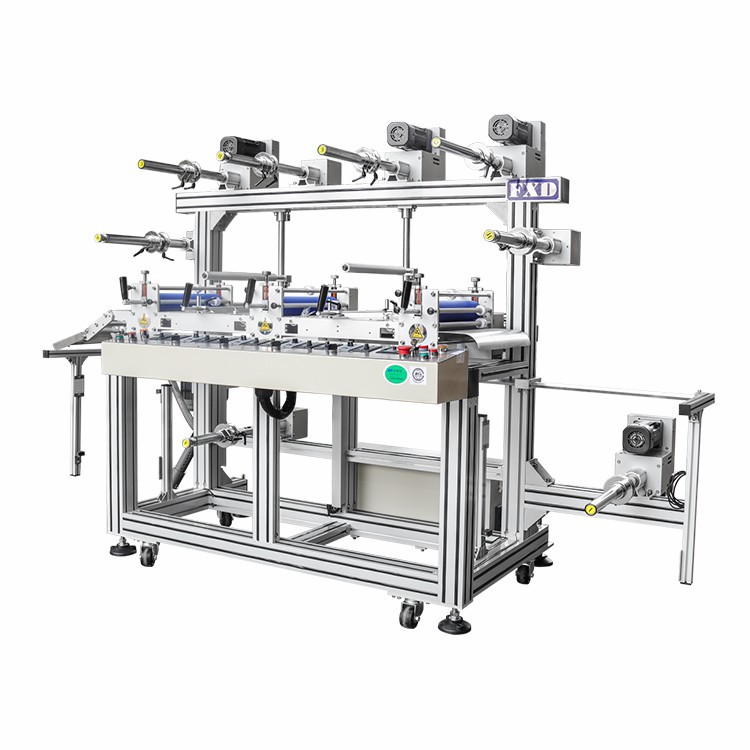
If you're interested in purchasing an A2 laminator or have any questions about our products, feel free to reach out. We're here to help you make the best choice for your laminating needs.
References:
- General knowledge about laminators from industry experience.